To open a Global brokerage account with access to world exchanges
1. Download the Freedom Broker mobile app.
It can be downloaded for free from AppStore, Google Play or Huawei App Gallery.
2. Open the application and get registered. To register, just enter your email and password.
Important! If you are already registered with Freedom Broker and you already have the other brokerage account in Freedom Broker, you need to use a different email to open a Global account.
3. After that, set a PIN code for quick login to the mobile app.
4. Complete the tax details.
Important! The content of this step depends on your country of tax residency.
5. Complete the economic profile.
Here you need to provide the following information:
- Your education and investment experience.
- Information about your financial situation, including your main source of income, annual income, expenses, and planned investments.
- Details of any additional tax residency and citizenship.
6. Survey the rules of service provision and confirm by SMS code.
7. Pass the documents' verification and selfie check.
Important! The system does not accept screenshots or digital documents — only photographs are allowed. All fields of the document must be clearly visible.
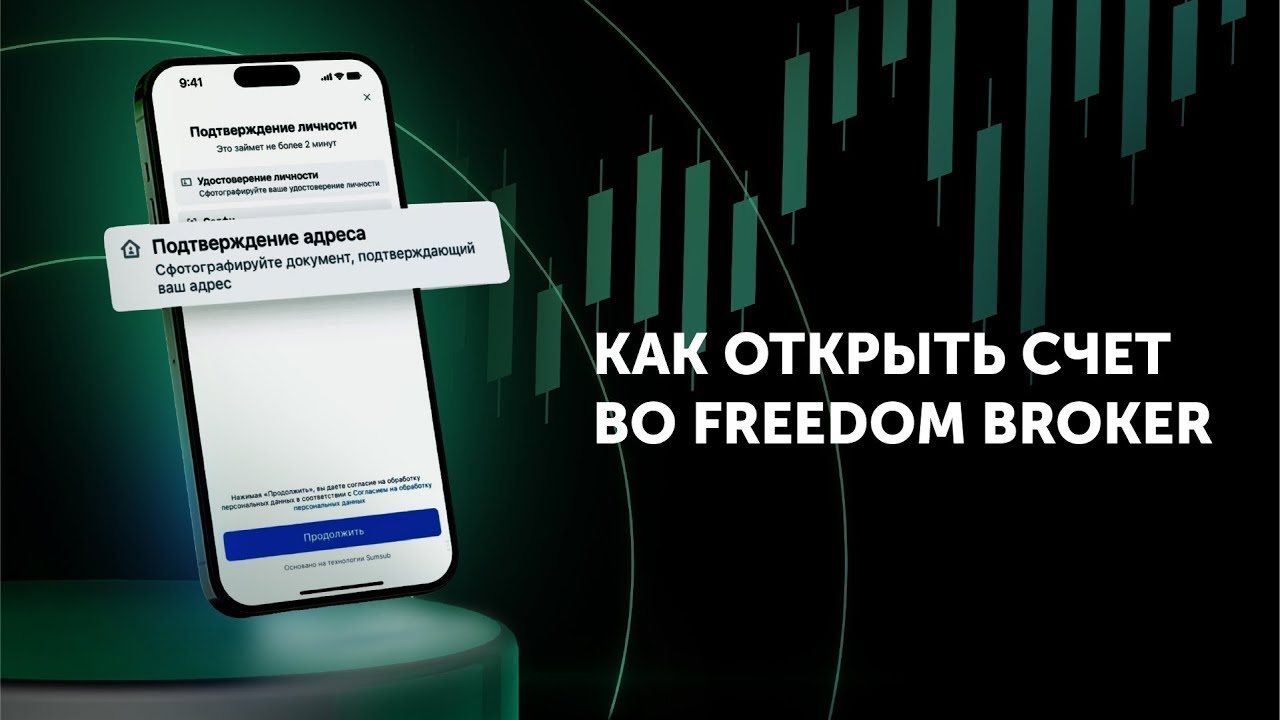
8. If your current residential address does not match your registered address, you need to complete an additional verification and confirm your address.
Please take a photo of or upload any document that shows your last name, first name, patronymic, and your residential address:
- Bank statement
- Utility bill
- One of the electronic certificates from egov.kz
- Any other document that contains your address
Your data has been accepted. Congratulations, you are one step away from investing!
Please wait for the account opening notification — the account is usually opened within 20–30 minutes. After that, you can fund your account and start trading.
1) If additional verification is required, the account opening process may take longer.
2) If you are unable to open a brokerage account on the platform, we recommend checking your internet connection and trying an alternative browser or network connection.
Connecting via a secure network with an alternative IP address may also help.
Download the Freedom Broker mobile app