Restore password
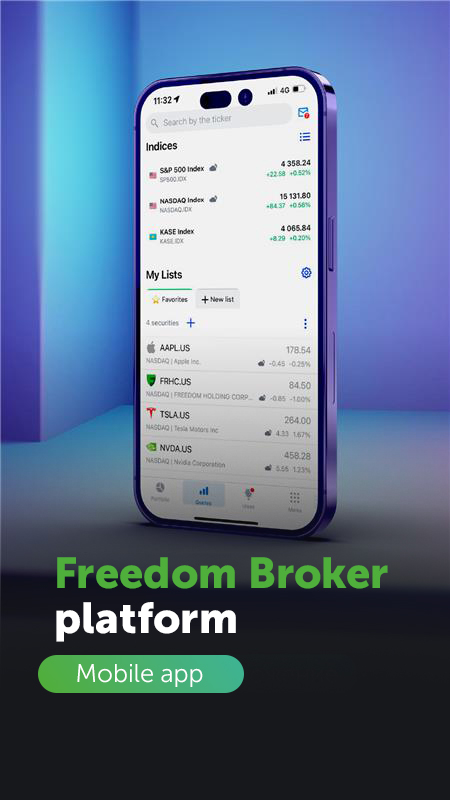
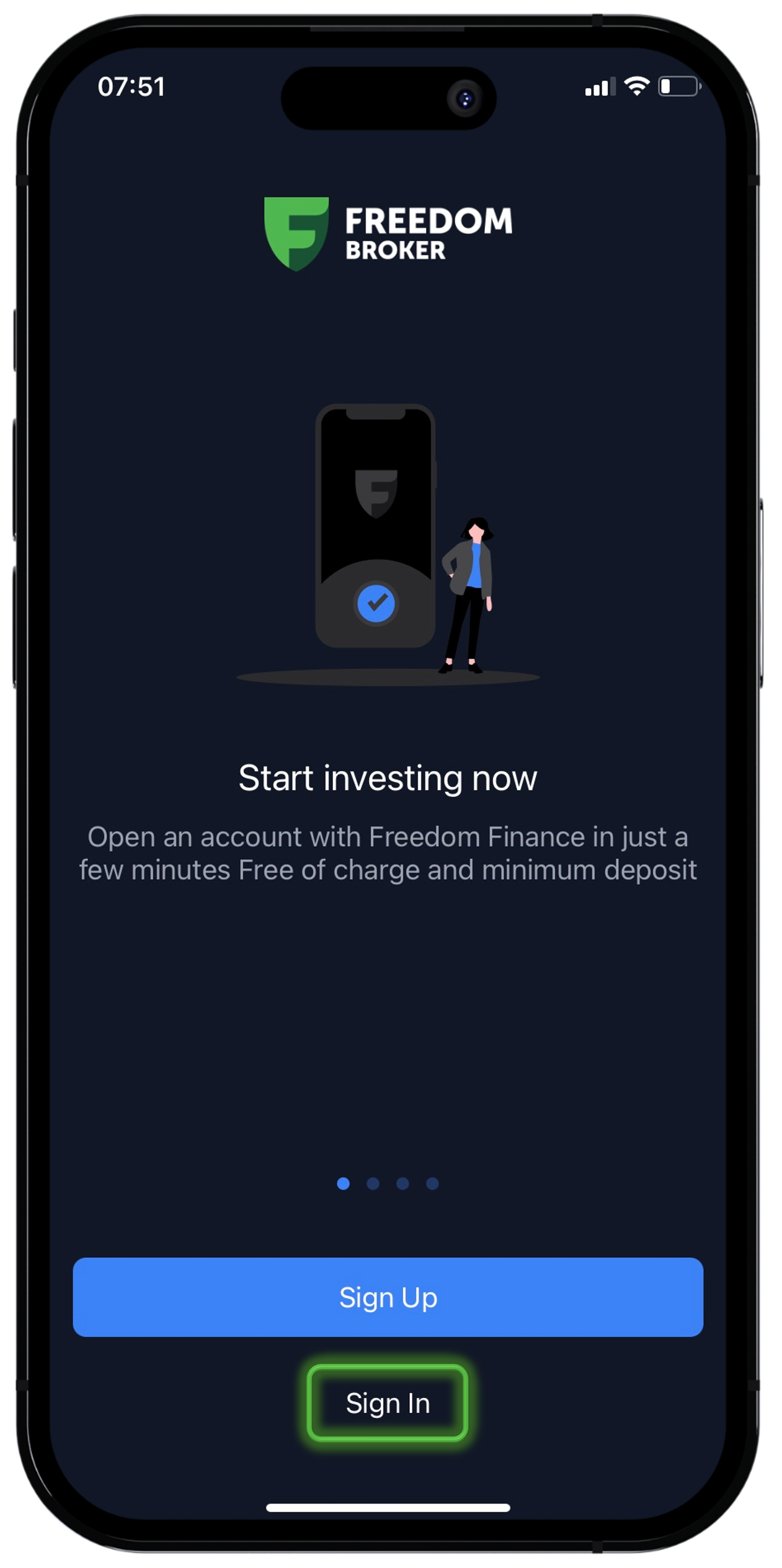
1. In the Freedom Broker platform mobile app, you can click on “Restore access” on the start screen.
2. Next, the application will offer you options for password recovery - by phone number, email, client ID or your login.
3. Then, select your preferred method of receiving a confirmation code: by contact number or email.
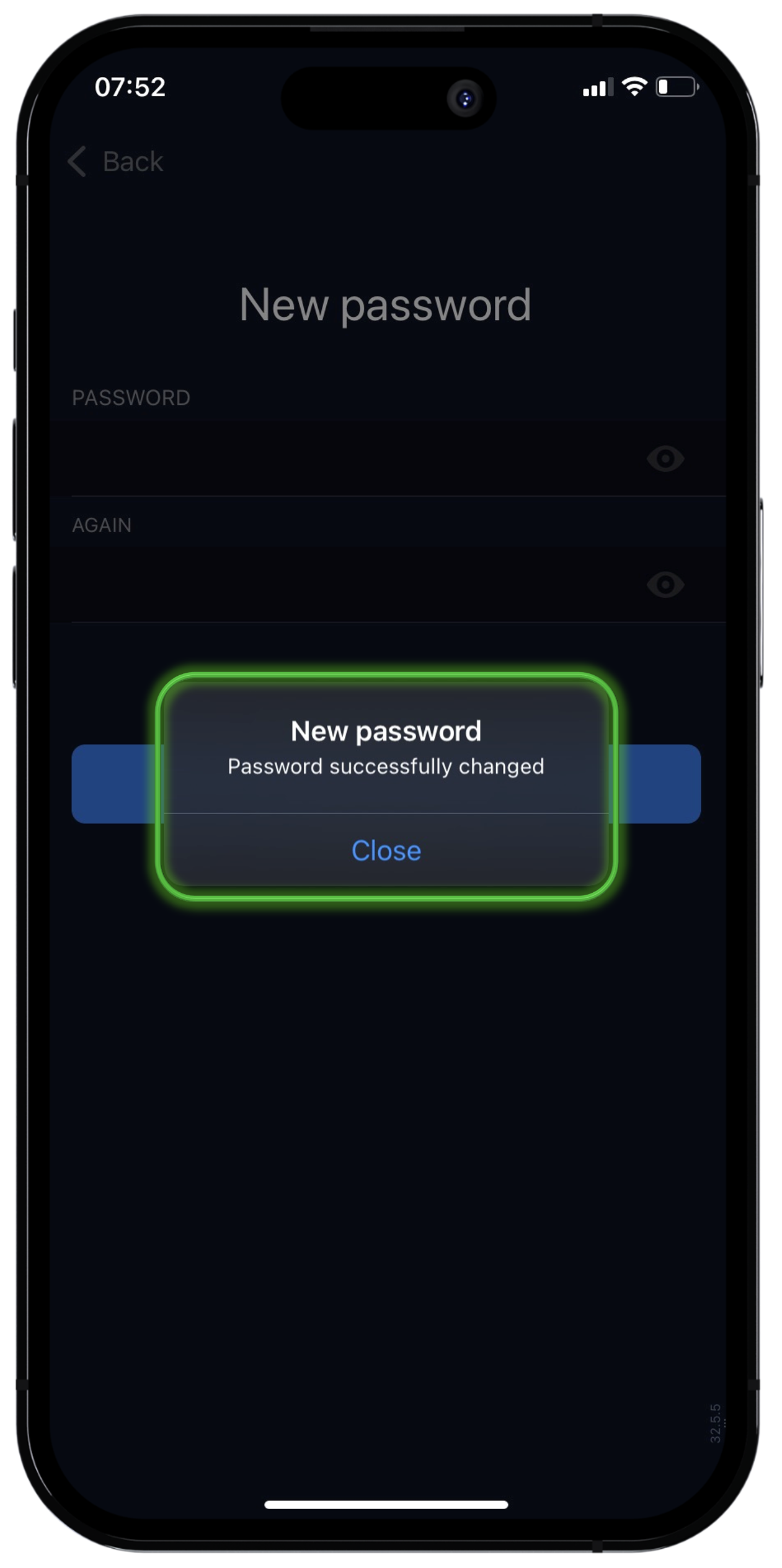
4. Enter the received code and set a new password.
Change the password
To change the password, simply log out if you are already logged in to the platform, then follow the procedure described above.
We also note that you can login to the application not only with a password. There is a one-time log in SMS code.
If you still can’t log in, contact your personal manager or call 7555.